
Designing a tattoo isn't just about picking an image; it’s crafting a personal story on your skin. Before you book that appointment, having a clear vision is essential—and thankfully, technology can help!
For the Visualizer: Simple Sketching and Layout
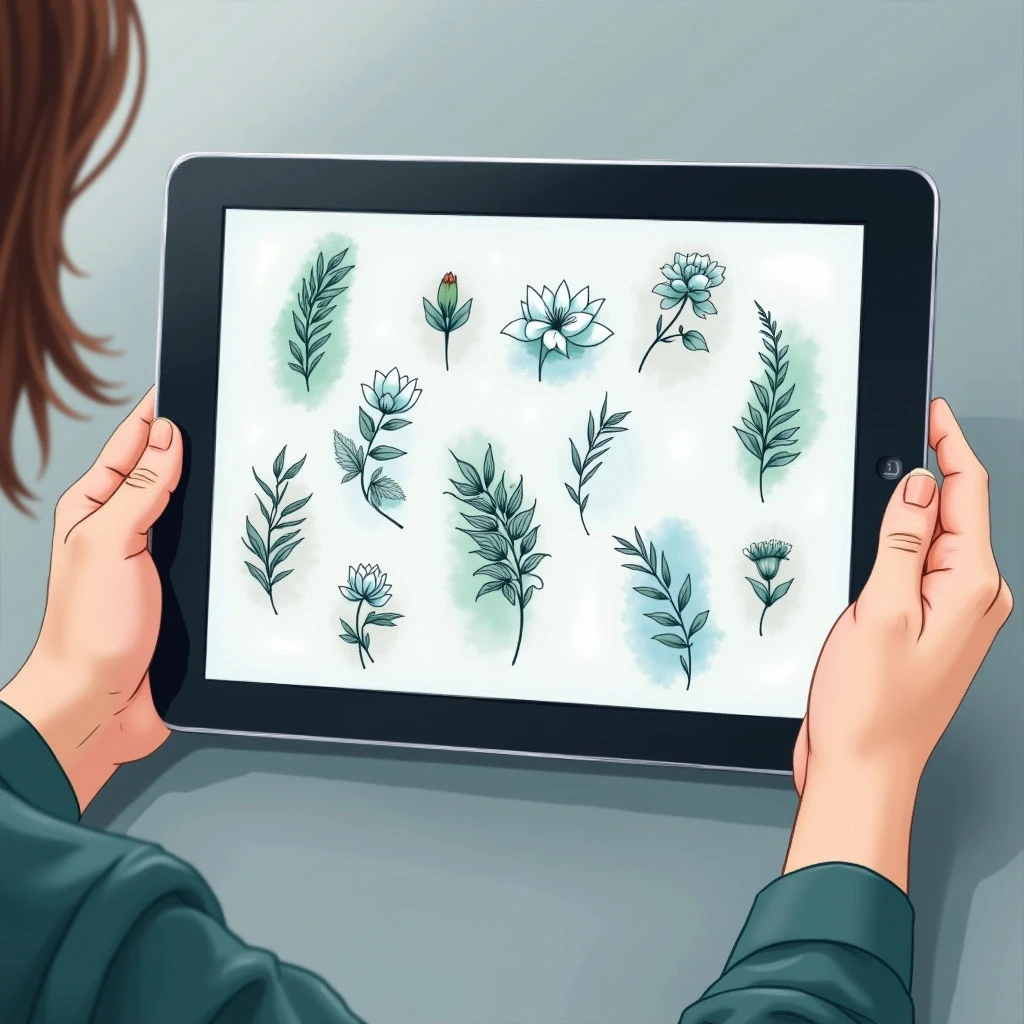
If you're primarily focused on placement and basic shapes, start with apps like Procreate (iOS) or Autodesk Sketchbook (Android/iOS). They’re powerful digital sketchpads—perfect for quickly exploring ideas. Even a simple doodle can evolve into something beautiful with just a little tweaking.
For the Detail-Oriented: Complex Designs and Mockups
When you want more control, apps like Tattoo Stylizer (Android) offer pre-made templates and design elements that you can customize. They might not give you complete freedom, but they're fantastic for experimenting with different styles and seeing how a design will look on your body.
PicsArt (Android/iOS), meanwhile, provides robust editing tools to composite images or add text—great for creating mockups.
Finding Inspiration and Collaborating
Pinterest is an invaluable resource. Create boards dedicated to your tattoo ideas, gather inspiration from various artists, and share them with your chosen artist for a collaborative design process.
Instagram is also a great place to discover talented artists and refine your aesthetic.
Important Note
These apps are tools to help you visualize—they aren't replacements for professional artistry. Your final tattoo design should always be created in collaboration with a skilled, licensed tattoo artist who can translate your vision into a safe and beautiful reality.